
Email · for inside sales and customer service
Every email gets a draft.
The salesperson approves.
The customer’s email becomes a ticket, matched to customer, product and contract, with a ready answer from Saga. The salesperson reads, adjusts and sends. A ticket can also start in your systems: a changed delivery or a new order starts the flow, and Saga writes the email to the customer. Everything is logged to the customer record.
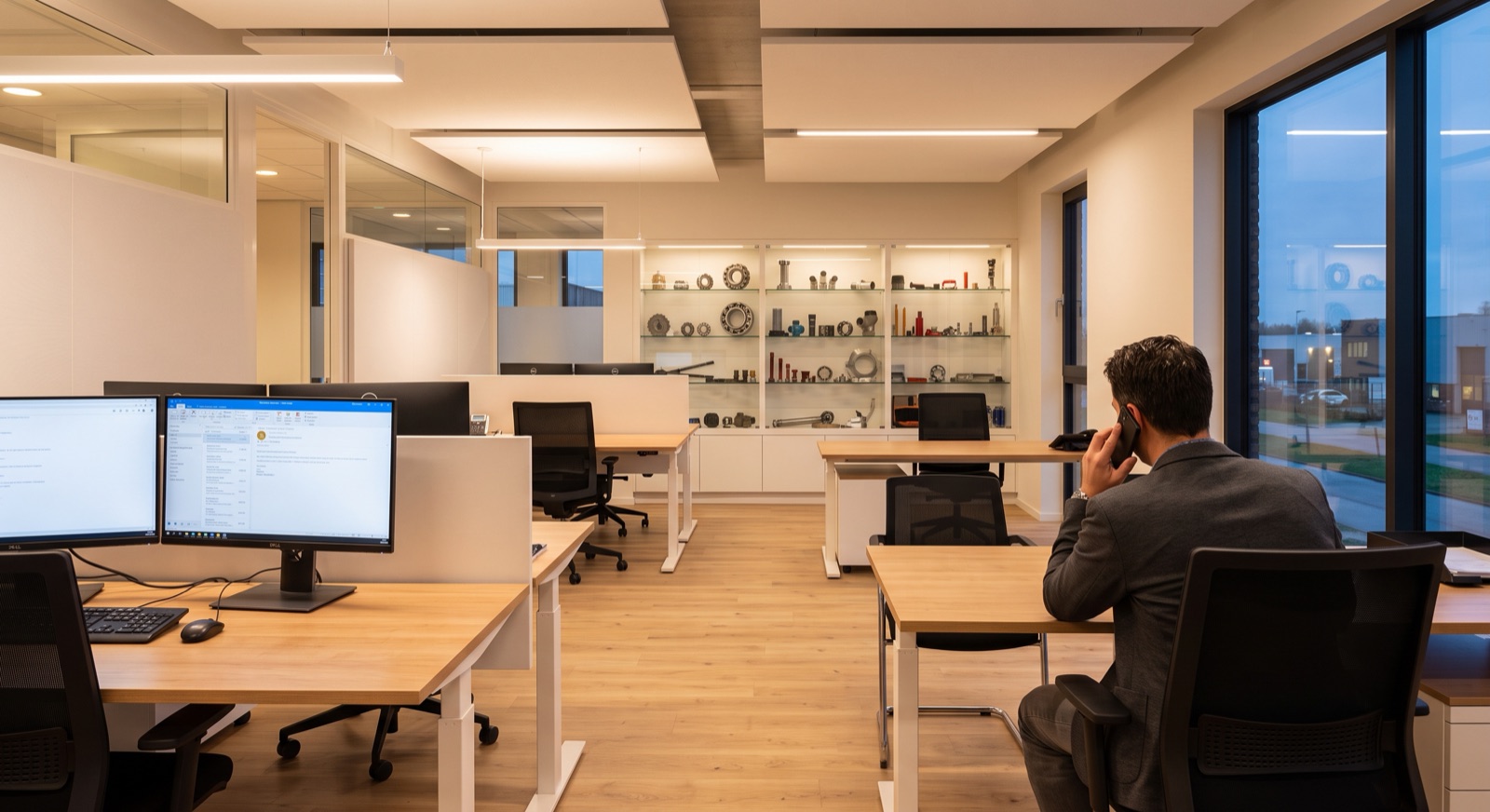
 Saga has written the reply 07:04
How a ticket moves
From email
to answer in minutes.
An ordinary email with an enquiry, from the inbox to an order in your ERP.
The team approved with one click. The rest was already done.
Everything lands here
All tickets
in one place.
Email, web chat, Teams, the chat and events in your systems on the same board. Every ticket in the right flow, with the right person, with the full history logged to the customer record.
The customer’s email becomes a ticket with a ready draft. If a detail is missing, Saga asks the customer first.
Web chat
When Saga hands over, the conversation becomes a ticket, with the whole conversation attached. If the customer is logged in, customer, machine and history come along.
More about the web chatTeams and chat
A question from a colleague that needs following up becomes a ticket with the person who owns it.
More about Teams and chatYour systems
A changed delivery, a new order or a contract that is expiring becomes a ticket with a ready email to the customer.
How Saga works in the inbox
The inbox
that sorts itself.
Onwards
The flow adapts to you.
Everyone has different processes. We set up the flow around how you work, and you decide what goes out automatically and what is approved first. A few examples of what Saga can do in the flow:
Quote out.
Writes the quote with the right product, stock and your contract price, and sends it once the salesperson has approved.
Orders and info in your ERP.
Places the order, fetches order status and stock levels, and enters what belongs there.
Supplier enquiry.
Emails the enquiry to the supplier, reads the reply and summarises it in the ticket.
Checks before the answer goes out.
Checks against several systems before the answer is sent, so the customer gets the right answer first time.
The event starts the flow.
The delivery date changes in your ERP. Saga writes the email to the customer with the new date, the salesperson approves, and the ticket is logged to the customer record.

 SharePoint
 Teams
 Copilot
 ChatGPT
 Claude
Getting started
Live in days.
We start where most emails come in, for example order@ or info@, and set up the flow for you.
A 30-minute call.
You show us the inbox, we show you what the tickets would look like.
We set up the flow on your data.
Products, customers and contracts in the Foundation, so the drafts are right from the start. Everything starts as a draft, and the ones that are right you let go straight out.
Live, and we stay with you all the way.
We follow the tickets, improve the drafts and check in with you every month.
Contact us

See your emails
as tickets.
30 minutes with Martin. You tell us how many emails come in and where they get stuck, we show you how it could look at your company.
 Martin Helgesson
Chief Commercial Officer (CCO)
Frequently asked questions
Does anything go out without us seeing it?
Only if you want it to. All answers start as drafts that the team reviews. The ones that are right you can let go straight out.
Which inboxes can you connect?
Your shared inbox, for example order@ or info@, and more when you want.
How do you find the right customer and product?
The ticket is matched against your customer register and your products in the Foundation.
Do questions from the web chat land here too?
Yes. When Saga hands over, it becomes a ticket on the same board, with the whole conversation.
Can colleagues email in questions?
Yes. Forward an email to Saga and the answer comes back to the inbox in seconds. That is part of Teams and chat.
Do we need to connect our ERP?
For order status, stock levels and contract prices, yes. Drafts for common questions can start from your documents.